
 English
 日本語
日本語
 عربى
عربى
 中文简体
中文简体


Alumina Ceramic Robot Arms for Semiconductor Handling
Product Features Clean and low contamination: Stable material, dense surface, less prone to dust and...

Content
You have just opened your PC case and reached for a replacement graphics card. A faint crackle of static electricity snaps through your fingertips as they touch the metal frame. To your body, that tiny discharge is nothing; to the microchips inside the case, it can be fatal. Grounding yourself before handling electronic components is a simple, non-negotiable habit that prevents electrostatic discharge (ESD) damage. Conclusion first: you must equalize your body's electric potential with the equipment and work surface before touching any sensitive part.
Static electricity is an accumulation of electric charge on the surface of an object. When you walk across a synthetic carpet or slide out of a plastic chair, friction transfers electrons between fabrics and surfaces, leaving you with a charge of thousands of volts. The extra charge waits for a conductive path, and when you touch a grounded metal object, the discharge occurs in a microsecond spark.
People seldom realize how much voltage their bodies can carry. The table below shows typical static levels from everyday activities.
| Activity | Typical Voltage |
|---|---|
| Walking across a carpet | 25,000 V |
| Rising from a plastic chair | 18,000 V |
| Rubbing synthetic fabric against skin | 15,000 V |
| Standing up from a wooden chair | 12,000 V |
| Touching a PC case | 4,000 V |
Key fact: A discharge of only 100 volts is enough to damage many semiconductor components, while a human can carry 25,000 volts just by walking across a carpet.
The concerning part is that modern electronics are far more sensitive than people assume. ESD can destroy a component instantly, or it can cause latent damage that shows up as a mysterious failure weeks later. That is why grounding yourself is never optional when you work with electronics.
The methods below range from professional-grade equipment to simple household approaches, all of which can prevent ESD damage.
The most reliable solution is an anti-static wrist strap with a connected ground. The metal plate contacts your skin, and a coiled cable carries excess charge to the ground. You can clip the cable to an unpainted metal surface on your PC power supply, the grounding terminal of an anti-static mat, or a verified ground point in your wall outlet.
Look for a strap with a built-in 1 megohm resistor. This resistor limits the current that can flow through you if you accidentally touch a live circuit, protecting you from electrical shock.
Without a wrist strap, the quickest approach is to touch a large, unpainted metal object connected to earth ground. The unpainted frame of a plugged-in PC power supply, a metal water pipe, or the exposed screw holes of a computer case can all complete the discharge. The limitation is that this method only removes your existing charge. If you move around and build up new static, you need to re-touch the metal before touching any component.
An anti-static mat placed on your workbench creates a controlled zone. The mat's slightly conductive material drains charge from items placed on it. Connect the mat to earth ground with a grounding wire and use a wrist strap that plugs into the mat's banana jack. The result is a complete ESD-safe workspace that protects components as well as operators.
Static electricity builds up aggressively in dry air. When relative humidity drops below 30 percent, discharges are more frequent and more intense. Keeping humidity between 40 and 60 percent helps dissipate charge naturally and reduces the risk of a sudden snap when you touch a component.
Follow this sequence to ensure your body and work area are safe before handling sensitive electronics.
The same grounding principles scale from a home PC workbench to an industrial production line. In semiconductor fabrication plants, the entire facility is engineered to control electrostatic discharge: workers wear grounded coils, conductive smocks, and ESD-safe shoes. The air handling system maintains stable humidity, and the floor uses conductive materials. But the same logic extends to equipment that handles wafers and other sensitive components.
Robotic arms that grip semiconductor wafers need materials that do not accumulate charge through friction. Antistatic ESD ceramic robot arms combine high stiffness with electrical and thermal stability, making them suitable for environments where charge buildup cannot be tolerated.
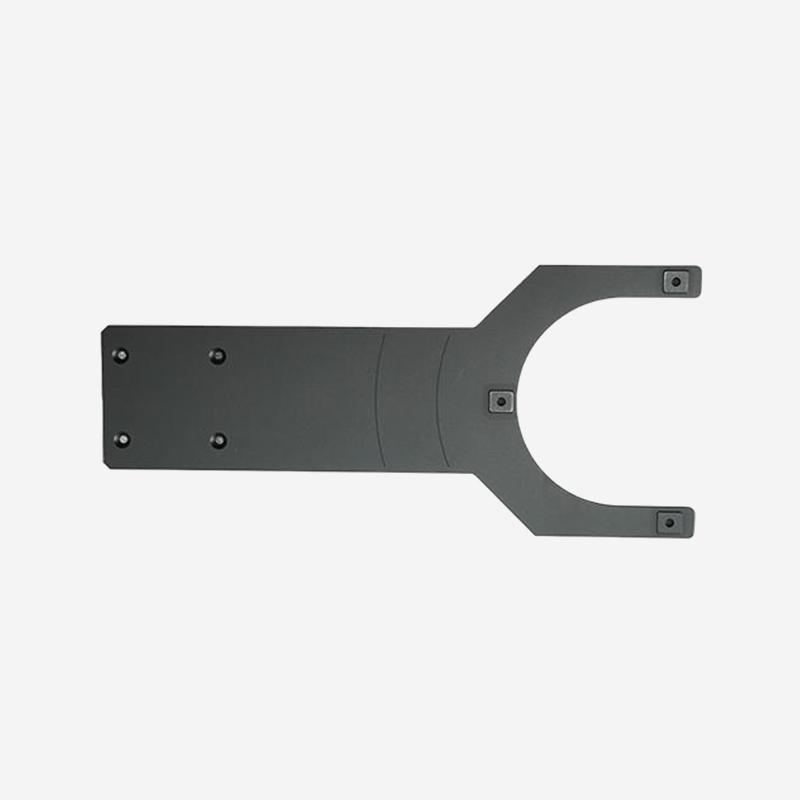 Antistatic ESD Ceramic Robot Arms for Semiconductor Wafer HandlingThese ceramic robot arms combine high stiffness with electrical and thermal stability, effectively eliminating charge buildup in semiconductor environments. Their conductive structure rapidly dissipates static, preventing wafer damage and ensuring cleanroom compatibility.View Product →
Non-contact handling solutions also address ESD risks. Antistatic Bernoulli arms use a film of gentle air pressure to lift wafers without touching the surface, eliminating the triboelectric charge generated by physical contact. And static-dissipative alumina ceramic arms are engineered with controlled electrical conductivity to drain static in a predictable, safe manner.
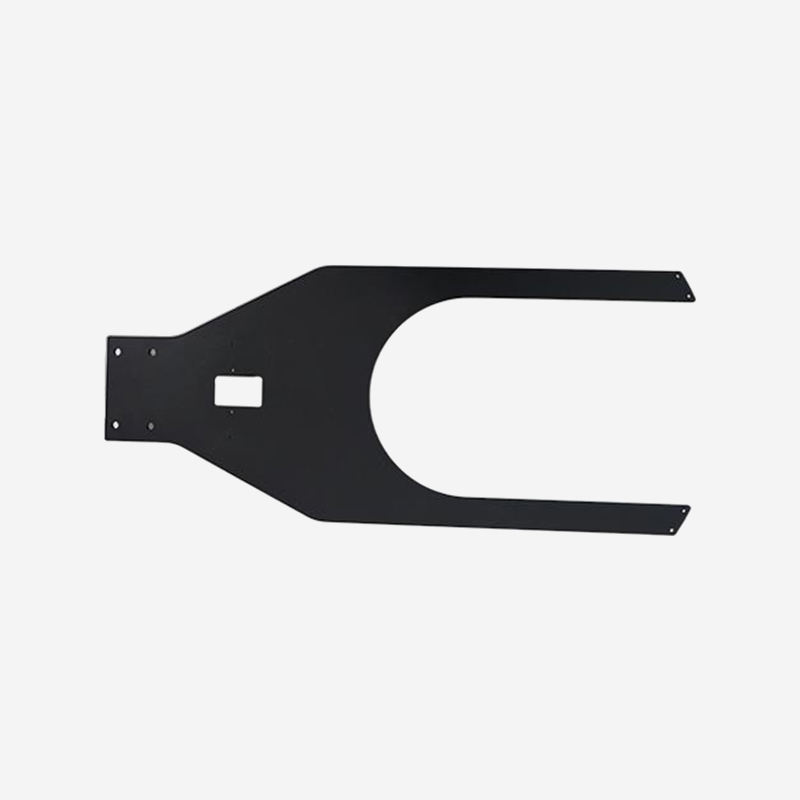 Static Dissipative Alumina Ceramic Arms for ESD-Safe AutomationEngineered with controlled electrical conductivity, these alumina ceramic arms drain static predictably, making them ideal for vacuum, high-temperature, and corrosive semiconductor processes. Their U-shaped design ensures precise wafer positioning and stable handling.View Product →
 Non-Contact Anti-Static Bernoulli Arm for Wafer LiftingUsing a gentle air film, this arm lifts wafers without physical contact, preventing scratches and contamination. Its antistatic design conducts electricity away, reducing wafer sticking and breakage during precision handling.View Product →
ESD control also intersects with precision manufacturing. When designing automation for electronics handling, understanding the precision machining process behind ESD-safe components helps engineers select materials and tolerances that do not compromise electrical performance.
Yes, if the metal table is connected to earth ground. A floating or isolated metal table will not safely discharge your body. Touch a verified ground such as a metal water pipe or the unpainted frame of a plugged-in appliance whenever you are unsure.
Even a brief touch can transfer enough static to damage a sensitive device. A wrist strap is the most reliable protection. If you cannot use one, touch an unpainted metal ground immediately before picking up the part, and avoid any shuffling or sliding motions in between.
Use a wrist strap with a cable that still routes through a 1 megohm resistor to a nearby unpainted metal surface. This provides a controlled path for your body's static charge even when the surface is not connected to the building ground. Always treat the ground point as a mass that can absorb a limited charge.
Yes. This is called latent damage. A small discharge can degrade a component's internal oxide layer or junction without stopping it outright. The failure may appear days or months later, which is why grounding every session is essential.
Grounding is an easy, physical habit that protects the electronics you work with. Whether you are assembling your own PC, repairing a controller, or operating in a semiconductor cleanroom, the rule remains the same: remove charge differences before touching a sensitive part.
Use an anti-static wrist strap as your primary tool, keep your workspace grounded with a mat, and maintain adequate humidity. In industrial settings, choose equipment such as ESD-safe ceramic robot arms to keep automation as safe as the operator. ESD damage is a preventable problem, and the first step is always grounding yourself.
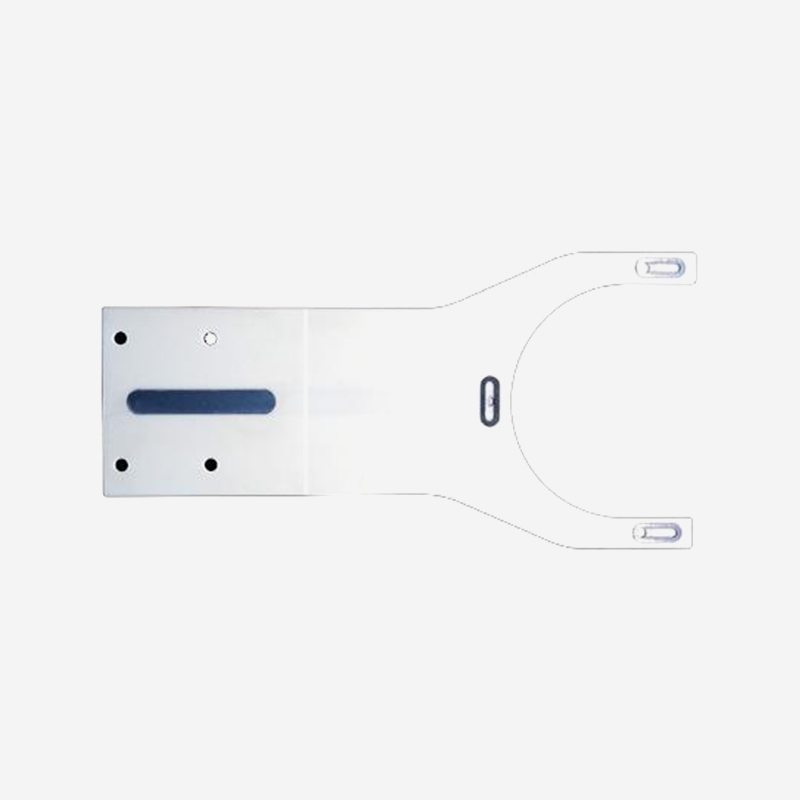
Product Features Clean and low contamination: Stable material, dense surface, less prone to dust and...
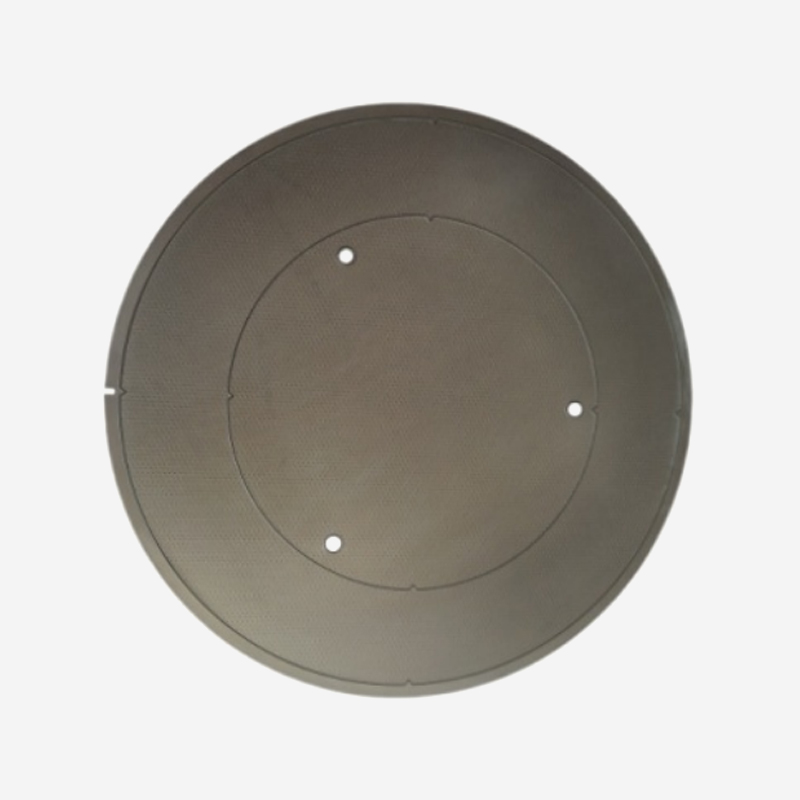
Silicon carbide has a thermal expansion coefficient that matches that of silicon, and it features a ...
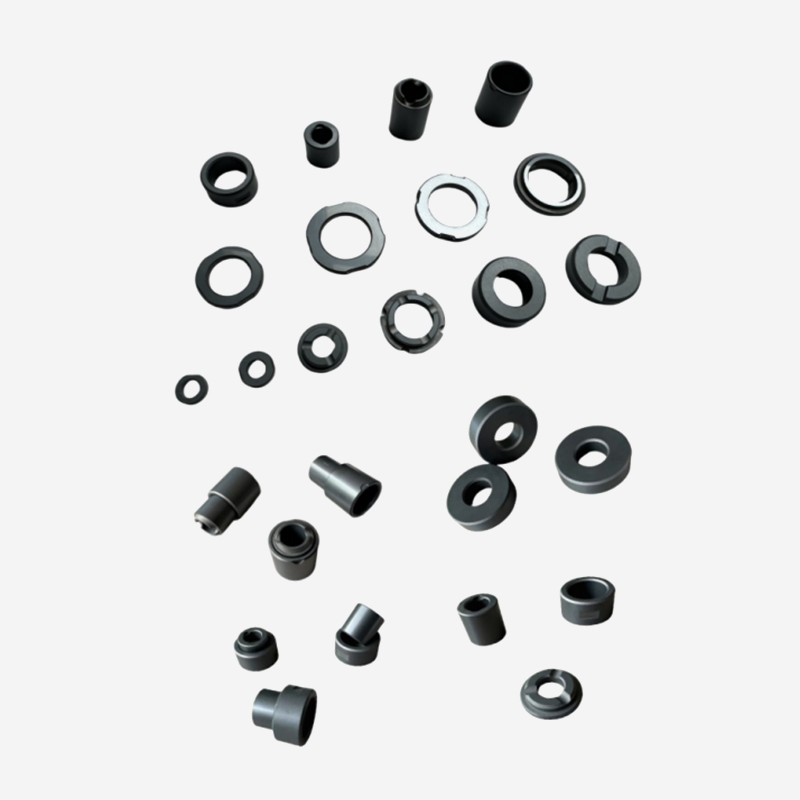
High-performance silicon carbide ceramics feature extremely high wear resistance and friction resist...
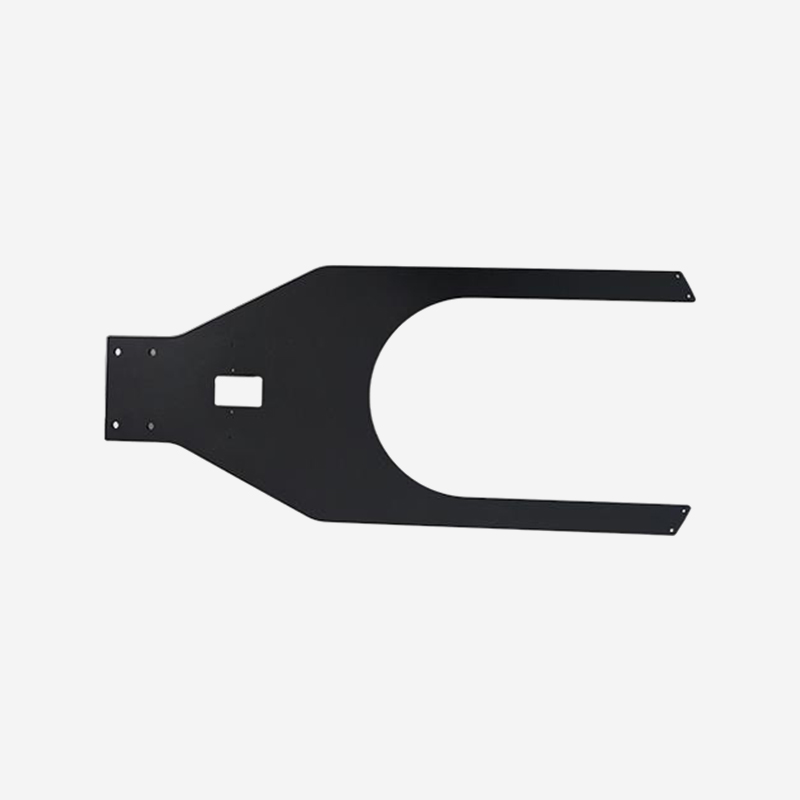
Product Features Anti-static: The modified ceramic can quickly conduct away static electricity witho...
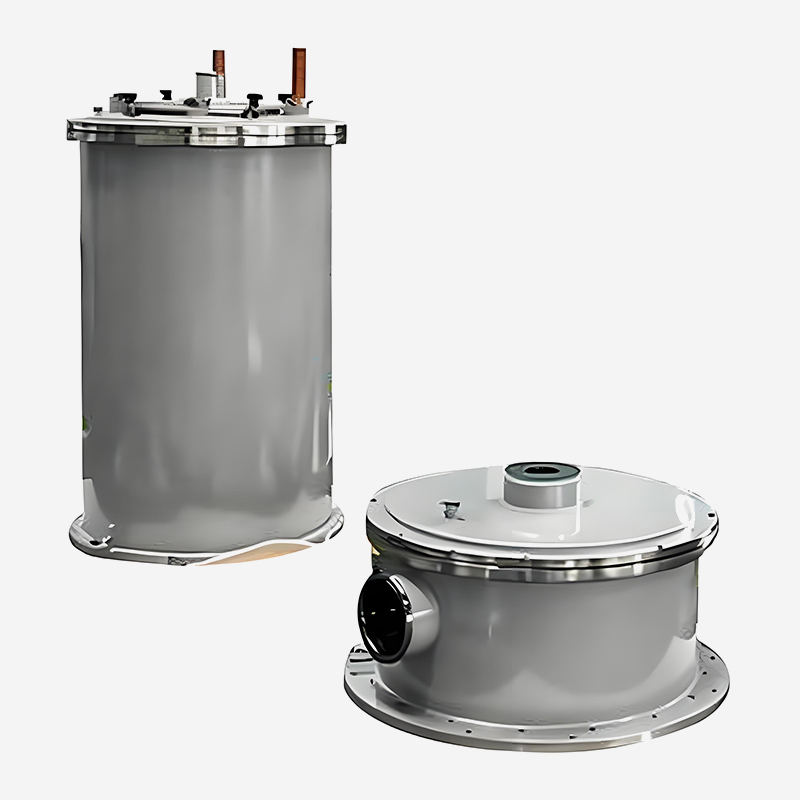
Specifically designed for SiC and GaN crystal growth, providing exceptional thermal field stability ...
Ready to Innovate Together? Contact Our Experts.

Contact Us
Address: 288 Shande Road, Shanyang Town, Jinshan District, Shanghai, China TEL/WhatsApp:Mobile terminal